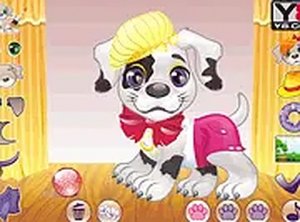
My Little Puppy Pet Customization Game
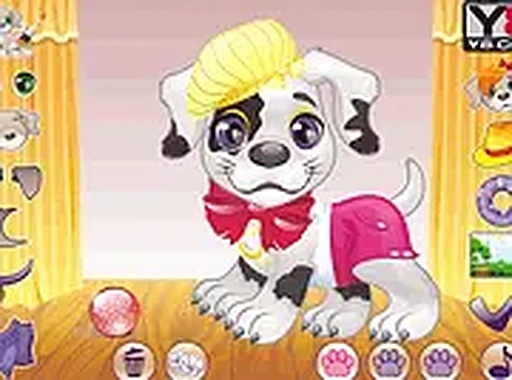
Review
My Little Puppy offers a calm, creative space for designing a virtual pet. The controls are easy for young children, and the variety of colors and accessories encourages repeated play. It is a stress-free activity that promotes creativity without any time pressure, making it a pleasant choice for short breaks or longer sessions.
About This Game
Game Introduction
My Little Puppy is a delightful online game that lets you bring your dream puppy to life. With endless customization options, from coat colors to fun accessories, your imagination is the only limit. This family-friendly game is perfect for kids and pet lovers who enjoy creative play. Whether you are looking for a quick fun break or a relaxing activity, My Little Puppy offers a heartwarming experience. Best of all, it is completely free to play, running smoothly in your browser without any downloads. You can play on both mobile devices and desktop computers, making it easy to enjoy anywhere. The full screen mode adds to the immersion, letting you focus on designing your perfect little friend.
How to Play
Playing My Little Puppy is simple and intuitive. Start by selecting your puppy's coat color from a variety of vibrant options. Then, choose from an array of accessories like bows, hats, and collars to give your puppy a unique personality. The game uses easy click-and-choose controls, so even young players can enjoy it without trouble. You can mix and match different elements to create countless combinations. There is no time limit or pressure, so take your time to design the cutest puppy you can imagine. Once you are happy with your creation, you can admire your little friend in the game. It is a stress-free, creative experience that encourages self-expression.
Game Features
Customize coat colors and accessories. Play on mobile or desktop. Free online with no downloads. Full screen mode for an immersive experience.
Tips for Success
To make the most of your creative play, take your time exploring all the color and accessory options. Try different combinations to discover unique looks. Experiment with contrasting colors for a bold style, or keep it simple for a classic, cute puppy. Since there is no time limit, you can relax and enjoy the process. Sharing your creation with friends or family can add to the fun. Most importantly, let your imagination guide you—there are no wrong choices in this game.