Monster Race 3D Family Driving Game
Review
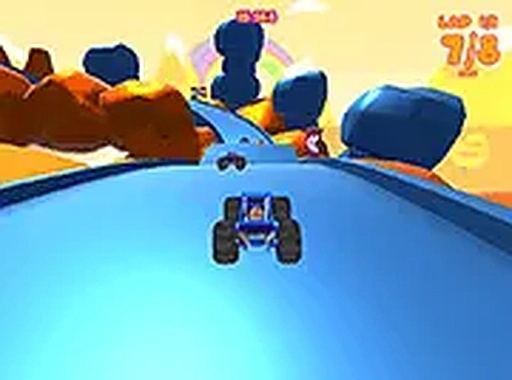
Monster Race 3D is a delightful driving game that prioritizes fun for all ages. With three distinct modes and local split-screen multiplayer, it provides variety and replayability. The controls are responsive, and the 3D graphics are bright and engaging. It is completely free and runs smoothly in a browser, making it an excellent choice for quick gaming sessions or friendly competition.
About This Game
Game Introduction
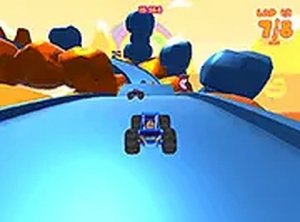
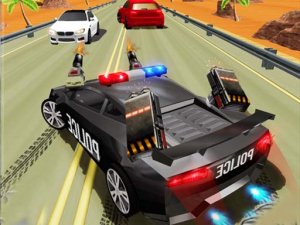
Monster Race 3D: Family Driving Game is a colorful and exciting driving game designed for players of all ages. You take the wheel of powerful monster trucks on vibrant 3D tracks. The game offers three distinct modes: Championship, where you race through a series of tracks to earn points; Arcade, for quick races on any track; and Time Trial, where you aim to beat your best time. You can also challenge a friend in local split-screen multiplayer. The controls are simple and responsive, using arrow keys or WASD to steer, accelerate, and brake. Full screen mode is available for a more immersive experience.
How to Play
To play, use the arrow keys or WASD to control your monster truck. In Championship mode, race through multiple tracks to earn points and win the title. Arcade mode lets you pick any track and race against opponents for a quick challenge. Time Trial mode is all about beating your own best time on each track. You can also play with a friend in split-screen mode for added fun. The controls are easy to learn, making it simple to steer, accelerate, and brake as you navigate sharp turns and obstacles.
Game Features
Game features include 10 colorful tracks, three game modes, local multiplayer, 3D graphics, and free browser play. The game runs smoothly on most devices and offers a fun, family-friendly experience without any violent or inappropriate content.
Tips for Success
To succeed, practice each track to learn the best racing lines and anticipate sharp turns. Use acceleration wisely, especially on straight sections, and brake early before corners to maintain control. In Championship mode, consistency is key—aim for steady finishes rather than risky moves. In Time Trial, focus on shaving seconds by taking tight turns smoothly. Playing with a friend in split-screen can also help you improve by observing different strategies.